您的浏览器禁用了JavaScript(一种计算机语言,用以实现您与网页的交互),请解除该禁用,或者联系我们。 [世界卫生组织]:Stellis用户指南:我离开世界卫生组织后如何访问我的个人资料? - 发现报告

Stellis用户指南:我离开世界卫生组织后如何访问我的个人资料?

信息技术 2025-09-28 世界卫生组织 徐红金
报告封面

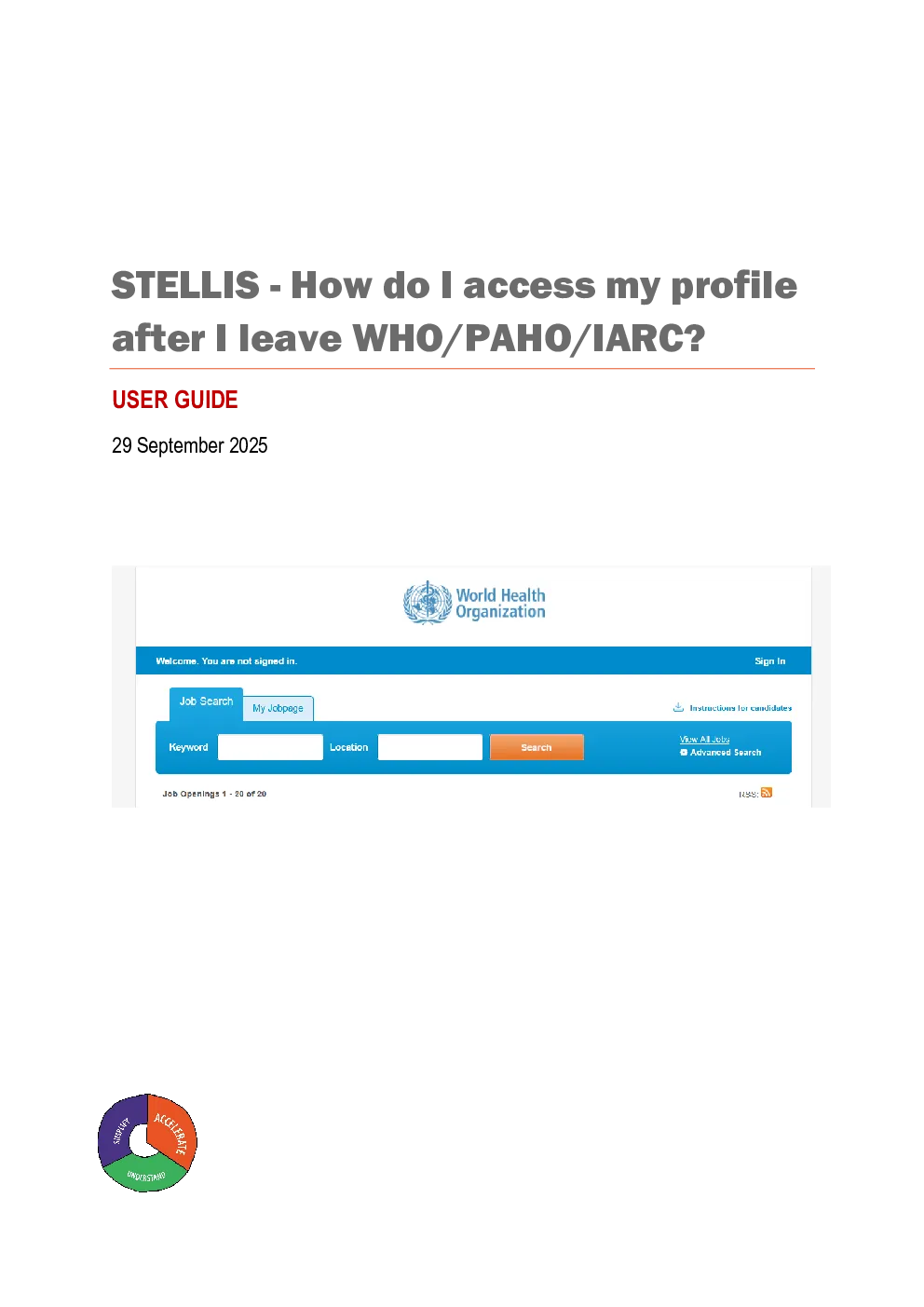
USER GUIDE 29September 2025 IMPORTANT NOTE: Your Stellis profile remains accessible even after separation fromthe Organization. Do not create multiple new profiles in the system to ensure: Continued access: The first time that you accessStellis after separation, you willsimply accessthe sameprofile as an ‘external candidate’, following the steps providedin this guide. Seamless job application process:By maintaining your original profile, you ensurethat your employment history, education details, and your job applications’ recordsremain intact. This saves your valuable time and efforts when applying for futureroles, allowing you to focus on your next steps rather than re-entering yourinformation. Easy identification of accurate profiles:The presence of multiple profiles may delaythe identification of the accurate candidate profile which may be required in relationto various HR activities, including but not limited to recruitment, onboardings, and forinclusion in the Talent Pools. Thisnot only slows down the process but can also leadto inconsistencies in your application records and communications from WHO. IT ISIMPERATIVETHAT YOU INCLUDE A PERSONAL EMAIL ADDRESS IN YOUR STELLISPROFILEBEFOREYOULEAVEWHO/PAHO/IARC. INSTRUCTIONS TO ENTER A PERSONAL EMAIL ADDRESS 1.Access Stellis by going to the website:https://www.who.int/careers/apply-for-a-position 2.Click on “Staffmember access” 3.Click on the little arrowalongsideunder your name in the top right-hand cornerof the Job Searchpage. Select“Profile”from the list of options. 4.You should arrive on the “Review and Submit page”. In case you arrive at the Work Profile page, thenclick “Exit work profile”, and click on the “Personal Information”button on top of the pageor navigatethrough the next pages, to arrive on Review and Submit page. 5.On the “Review and Submit” page,underthe Personal Information section, select“Edit”. 6.Scroll down to Email address and ensure that you enter your personal email address in the fieldentitled Email address 2. This ensures that youwillcontinue to receivecommunications from WHO, including guidance onresetting your password as an external candidate. 7.SelectSave and Continuefollowed bySubmiton the “Review and Submit” page. THE FIRST TIMEYOUACCESSSTELLISAFTERYOU HAVE LEFTTHE ORGANIZATION,YOUWILL NEED TOACCESS YOUR PROFILE AS AN EXTERNAL CANDIDATE ANDCHANGETHEPASSWORD INSTRUCTIONS TO CHANGE YOUR PASSWORD 1.Visithttps://www.who.int/careers/apply-for-a-positionandclick onExternal candidate access 2.Click onSign inin the top right-hand corner 3.SelectForgot your password? 4.Enter yourformer WHO email address:for example,smithj@who.int,in both the User Name andEmail Address fields. 5.An automated email fromStellis Recruitment at WHO and PAHOwill be sent to the personal emailaddress you haveenteredin your Stellis profile. 6.Follow the instructions indicated in the email.Carefullynote theusernameandaccess code. 7.After the first login, you will be required to reset your password. You should re-enter the same accesscode, under thefield “Access code”. In case of any unresolved issues, please contact the Global Service Desk atglobalservicedesk@who.int.Can