Stellis用户指南:如何申请世界卫生组织的工作机会
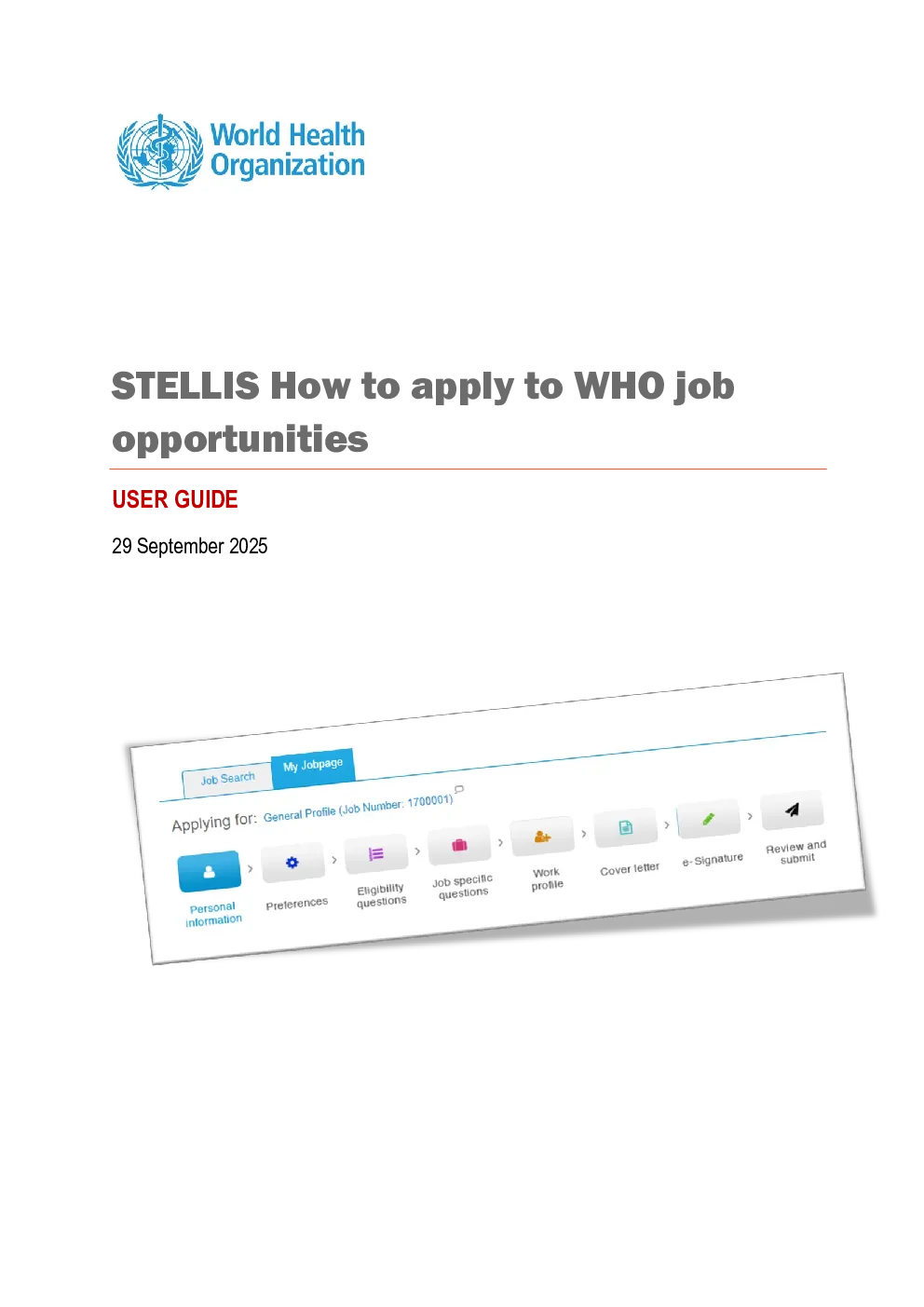
USER GUIDE 29 September 2025 HOW TOACCESS YOUR STELLIS PROFILE The WHO Job Application website isaccessible through WHO Careersat:www.who.int/careers. Supported browsers: Microsoft Edge, Google Chrome,and Mozilla Firefox Click on “Apply Here” and access the correct linkas applicable to you. Please also read the descriptionbelowaboutwhich link may be applicable to you. 1.Staff Memberaccess: Current WHOstaff memberholdingacurrently validContinuing,Fixed-Term, Temporary SR420.4or60 days or less contract: Staff may also access Careers viatheOneWHO Intranet Home Page, go toWhat’s Going Onandclick onStellis vacancies. Youwillbe logged in automatically. Please note that all staffmemberswho were in servicewhenStelliswas implementedinFebruary2017 hadcandidateprofiles automatically created.Therefore,please do not create anewaccount. If you experience problems accessing your profile, please send an email toGlobal Service Desk atglobalservicedesk@who.int.Fornewstaff engaged since February2017, the creation of a Stellis profileisa pre-requisite to employment. 2.External candidate access:WHOaffiliateworkforceincludingConsultants, SSAholdersorInterns; orastaff membercurrently observingbreak-in-service; or anExternal candidate: FromtheOneWHO Intranet Home Page, go toWhat’s Going On andclick onStellis vacancies.oralternativelyaccess the link:https://careers.who.int/careersection/ex/jobsearch.ftl, andclick onSign Inatthe top right-hand corner of the page. If you already have an account, enter your unique login information. If not,click “New User”tocreate your own login account (username and password). If you do not remember yourusername or password, use theForgot my passwordorForgotmy user nameoptions,or sendan email toglobalservicedesk@who.int.Temporary credentials will be provided to you tofacilitate access.Please do not create duplicate accounts. Former WHO staff members or staff members currently on break-in-service must alwaysensure that a personal email address is included within their Stellis profile to receive system-generated email notifications after separation from WHO. Should you requireassistance toinclude a personal email address, please follow the steps provided in this guide:https://www.who.int/publications/m/item/stellis-user-guide-how-do-i-access-my-profile-after-i-leave-who 3.WHO Internship Programme:Applicantsseeking Internship opportunitiesAt the WHO Careers application website (https://www.who.int/careers/apply-for-a-position),click on WHO Internship Programme. You will need to login or create a new account as per theinstructions provided in S. no. 2 above.Should you wish to access your internship application at any point in time, please alwaysreturn to the Internship website following the same steps or directly click on this link:https://careers.who.int/careersection/intern/jobsearch.ftl?lang=en HOW TO VIEW CURRENT WHOJOB OPPORTUNITIES 1.Current job opportunities can be viewed by clicking on theJob Searchtab*.You can use thefilters on the left column of the page to search for specific job opportunities. This can be bylocation,contract type and job field.A keyword search may also be used. To review moredetails regarding the position, click on the job title*to viewjob opportunities advertised by PAHO, pleasealsovisitCareers at PAHO Candidates may also Save specific search criteriato facilitate their search. 2.The closing date for applications is clearly displayed in the jobpostingdetails. Please takenote of the IMPORTANT NOTICE that is included in the announcement and brings to yourattention that theclosing date displayed reflects your personal device’s system settings. Forexample, a closingtimefor a specific job postingviewed by a candidate with Geneva timeselected as a system setting will differ from that of a candidate with Kuala Lumpur time as asystem setting. Always refer to the official WHO job site foraccurateclosingdeadlines. HOW TO APPLY TO A JOB OPPORTUNITY 1.Once youhave identified a job opportunity that interests you and for which you are suitablyqualified, simply click on theApplybutton next to the job announcement, or on theApplyOnlinebutton within the job announcement. 2.A series oftabs will appear which will allow you to enter information relevant to yourapplication.The job opportunity to which you are applying will always be clearly indicatedontop of the page. To navigate between the individual steps in the application process, click onSave andcontinue. You can alsoSave as draftand return later to complete your application. Personal information:Please note that in the case ofactiveWHO staff, fields for Name, CivilStatus, Title, DoB, Nationality are populated automatically from GSM. Should you wish tomodify any of these fields, you will need to take the required action in GSM and/or contactgschrservices@who.int.The primary email address will reflect your WHO email address. Preferences: This section allows you to select the opportunities in which you are interested i