您的浏览器禁用了JavaScript(一种计算机语言,用以实现您与网页的交互),请解除该禁用,或者联系我们。 [汤森路透]:发现法律起草技术的力量 - 发现报告

发现法律起草技术的力量

金融 2026-01-13 汤森路透 苏吃吃
报告封面

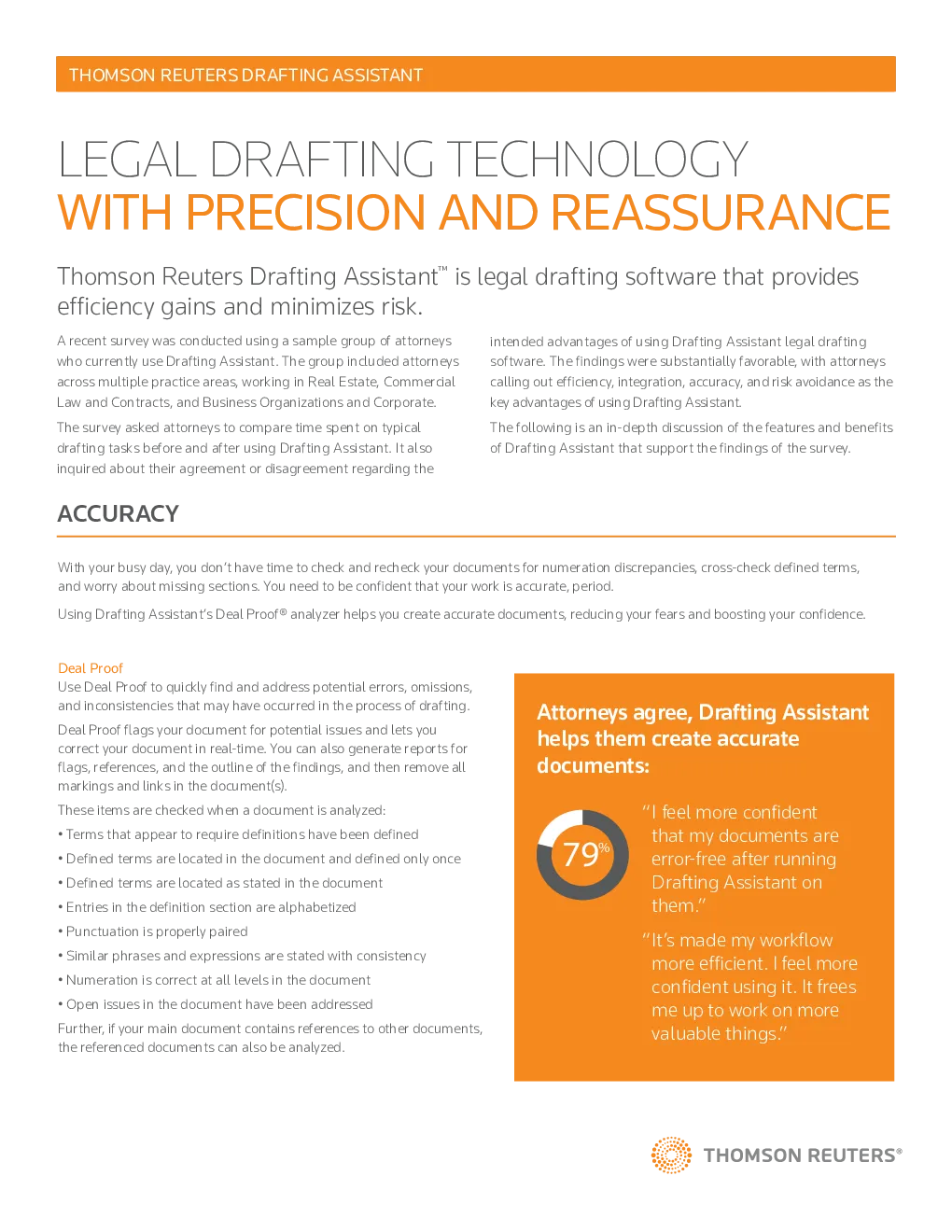
Thomson Reuters Drafting Assistant™is legal drafting softwarethat provides A recent survey was conducted using a sample group of attorneyswho currently use Drafting Assistant. The group included attorneysacross multiple practice areas, working in Real Estate, Commercial intended advantages of using Drafting Assistant legal draftingsoftware. The findings were substantially favorable, with attorneyscalling out efficiency, integration, accuracy, and risk avoidance as the The survey asked attorneys to compare time spent on typicaldrafting tasks before and after using Drafting Assistant. It also The following is an in-depth discussion of the features and benefitsof Drafting Assistant that support the findings of the survey. ACCURACY With your busy day, you don’t have time to check and recheck your documents for numeration discrepancies, cross-check defined terms,and worry about missing sections. You need to be confident that your work is accurate, period. Using Drafting Assistant’s Deal Proof® analyzer helps you create accurate documents, reducing your fears and boosting your confidence. Deal Proof Use Deal Proof to quickly find and address potential errors, omissions,and inconsistencies that may have occurred in the process of drafting. Attorneys agree, Drafting Assistanthelps them create accurate Deal Proof flags your document for potential issues and lets youcorrect your document in real-time. You can also generate reports forflags, references, and the outline of the findings, and then remove all “I feel more confidentthat my documents areerror-free after runningDrafting Assistant onthem.” These items are checked when a document is analyzed: • Terms that appear to require definitions have been defined • Defined terms are located in the document and defined only once • Defined terms are located as stated in the document • Entries in the definition section are alphabetized • Punctuation is properly paired “It’s made my workflowmore efficient. I feel moreconfident using it. It freesme up to work on morevaluable things.” • Similar phrases and expressions are stated with consistency • Numeration is correct at all levels in the document • Open issues in the document have been addressed Further, if your main document contains references to other documents,the referenced documents can also be analyzed. EFFICIENCY Prioritizing your workload can be challenging. And when itcomes to drafting documents, the process can be tediouswith a disruptive workflow. You’re frequently starting andstopping, moving between applications. It’s easy to get side- Attorneys agree, Drafting Assistant helpsmake the drafting process more efficient: “Drafting Assistant saves metime when I review documents.” Using Drafting Assistant’s key features helps minimizeyour workflow distractions and eliminate your frustrations.Instead of starting and stopping, you’re able to start and “Drafting Assistant enables meto effectively use time on higher Word Integration Produce your best work and reduce the hours it takes to Practical Law® Search and access best-in-class Practical Law StandardDocuments and Clauses right within your word processor. “I draft more efficiently when Iuse Drafting Assistant.” West km® Search internal documents and Westlaw® simultaneously for “It’s important that DraftingAssistant integrates with othertools and resources like those Iuse most when drafting.” Benchmark Precedents The Locate Precedent feature benchmarks language, clauseby clause, against similar EDGAR-derived documents in asingle search to ensure your documents consistently meetmarket standards. RISK AVOIDANCE You work hard to maintain your reputation. Don’t let bad legal writing weaken your credibility. Using Drafting Assistantnot only reduces the time it takes to complete document drafting tasks, it ensures your document is accurate, ultimately Active users said the following about Drafting Assistant: “Drafting Assistant allows a level of review that I may have otherwise missed.” “I think Drafting Assistant is very useful in catching items I may have missed.” “It’s made my workflow more efficient. I feel more confident using it. It frees meup to work on more valuable things.” “Drafting Assistant catchesitems that I may have TIME & COST BENEFIT Take a look at how Drafting Assistant helps you save time and money on the drafting process. Attorneys who adopted DraftingAssistant saw a 34% to 77% reduction in time to complete a drafting task. The efficiency gains resulted in cost savings rangingfrom $108 to $353 on a given drafting task. The cost-benefit analysis was calculated using the average hourly rate of the surveyed THE SURVEY CONFIRMED HIGH LEVELS OF SATISFACTION AND LOYALTY Attorneys who use Drafting Assistant agree on the value it adds to their practice. They report high levels of satisfaction and Your clients trust you with the decisions that matter most.Trust us to provide the technology you need to win for th